

Have you ever finished a lecture with pages of notes, only to realize that you barely remember what you wrote a few days later?
Traditional note taking often focuses on recording information rather than understanding it. Students try to capture every word, leaving little mental capacity to process what is actually being taught.
This is where Sketch Notes can make a difference.
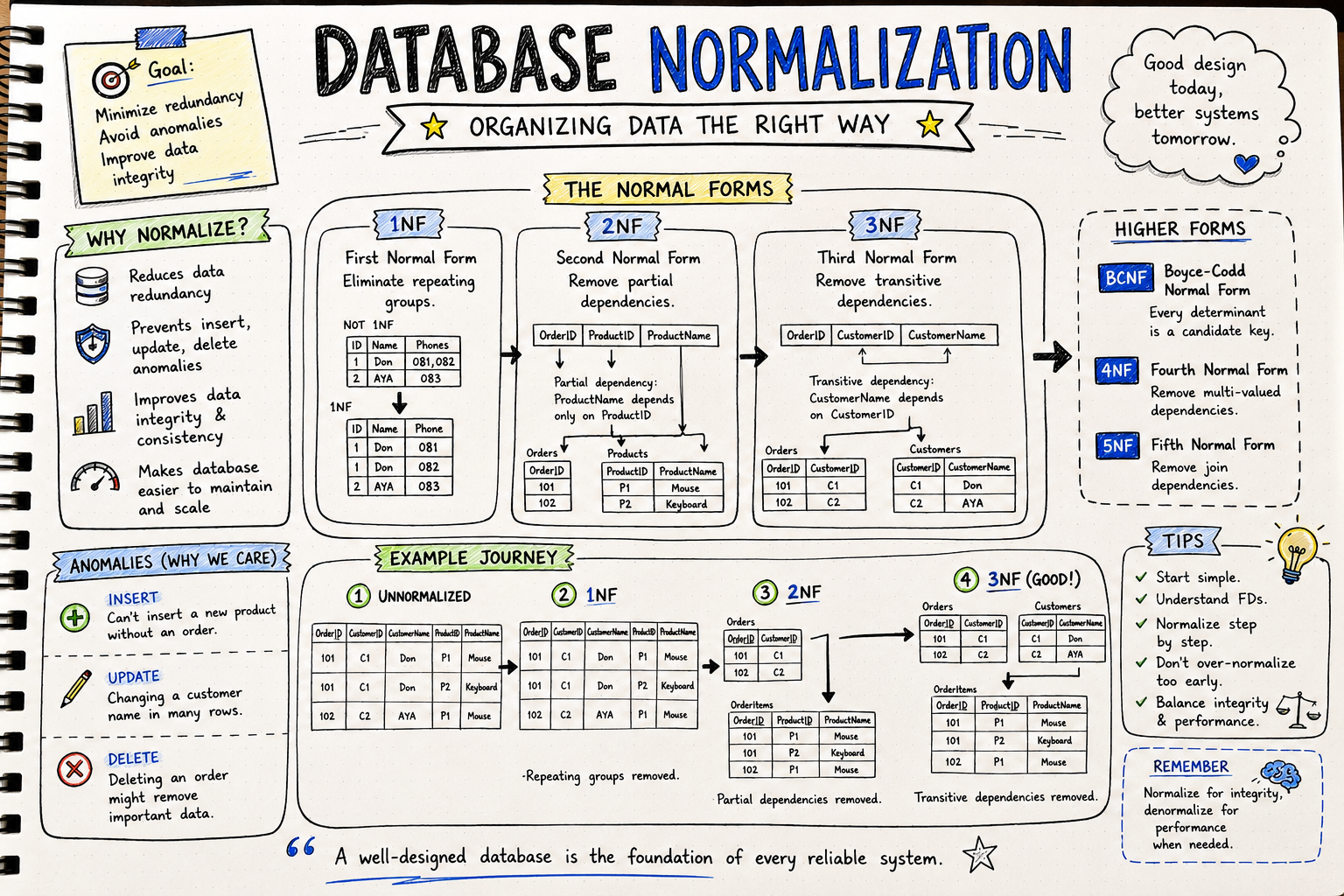
Sketch Notes combine words, simple drawings, symbols, arrows, and visual organization to help learners think more deeply about information. Contrary to what many people believe, Sketch Notes are not about artistic talent. They are about making ideas easier to understand, remember, and connect.
What Are Sketch Notes?
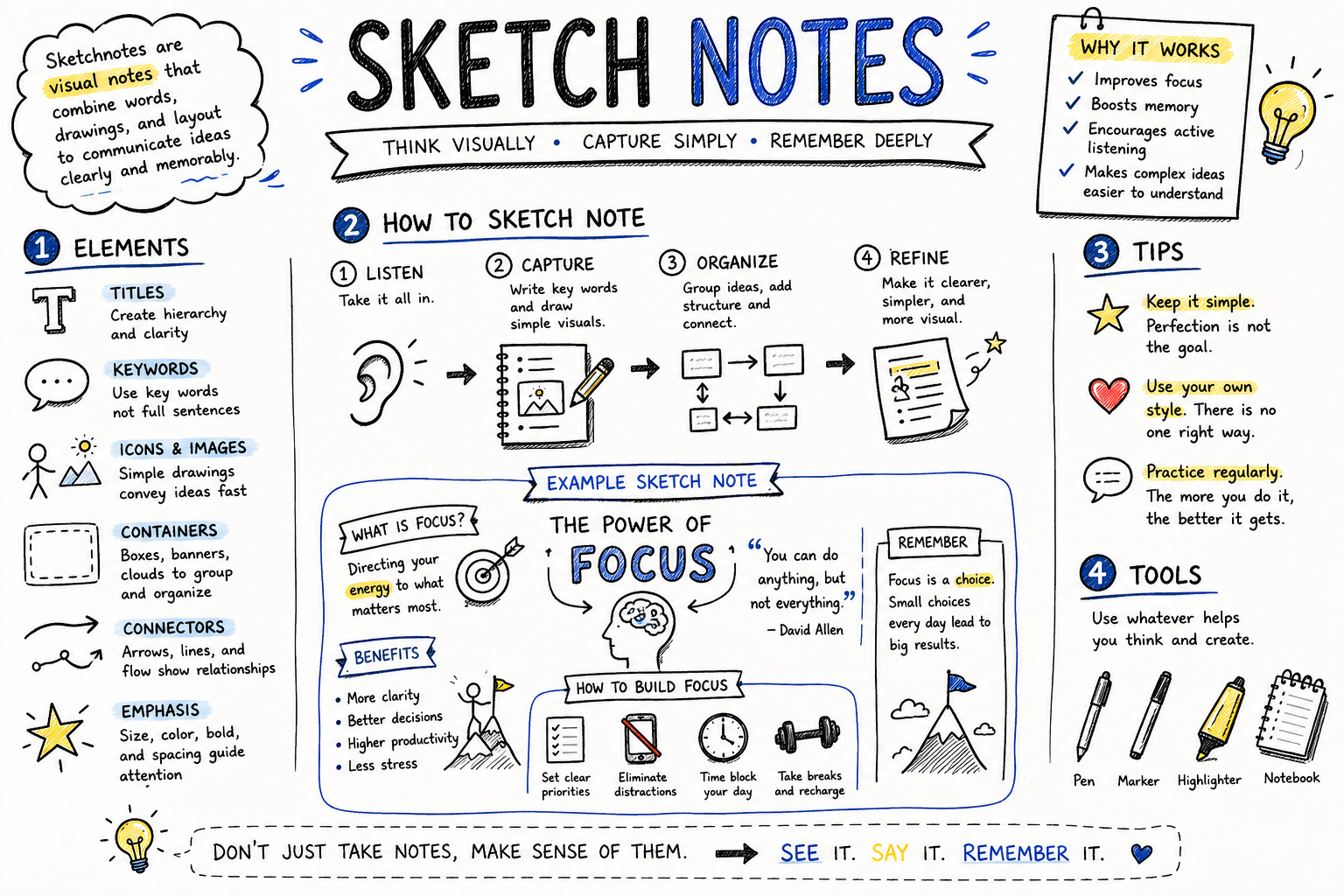
Sketch Notes, sometimes called visual note taking, are a method of capturing information using a combination of:
- Keywords
- Simple illustrations
- Icons and symbols
- Arrows and connectors
- Containers and boxes
- Different text sizes
- Visual hierarchy
Instead of writing complete sentences, students identify the most important concepts and represent them visually.
The goal is not to create beautiful artwork. The goal is to organize thinking in a way that makes learning more meaningful.
Why Sketch Notes Work
Sketch Notes are supported by several well established learning theories.
Dual Coding Theory
According to Allan Paivio’s Dual Coding Theory, information is remembered more effectively when it is processed through both verbal and visual channels.
When students combine text with images, they create multiple pathways for retrieving information later.
Cognitive Processing
Creating Sketch Notes requires students to decide:
- What information is important?
- How are concepts related?
- Which ideas deserve emphasis?
These decisions promote deeper processing compared to copying slides word for word.
Generative Learning
Students actively transform information into their own representation rather than simply reproducing the lecturer’s words.
This process encourages meaningful learning and improves long term retention.
The Building Blocks of Sketch Notes
Many beginners think they need advanced drawing skills. In reality, most Sketch Notes use only a handful of simple visual elements.
Keywords
Instead of writing long paragraphs, record only the essential words or phrases.
For example:
Digital Transformation
rather than
Digital transformation is the process of integrating digital technologies into business operations.
Simple Icons
Simple drawings communicate ideas quickly.
Examples include:
- 💡 Idea
- ☁ Cloud Computing
- 🔒 Security
- 📊 Data Analytics
- 👥 Teamwork
- ⚙ Process
- 📱 Mobile Application
Even a stick figure can effectively represent a user or customer.
Arrows
Arrows show relationships such as:
- Cause and effect
- Workflow
- Sequence
- Dependencies
Containers
Boxes, circles, banners, and clouds group related ideas together, making notes easier to scan later.
Typography
Use larger text for headings and smaller text for details to create a clear visual hierarchy.
Example
Suppose the lecture topic is Artificial Intelligence in Business.
Instead of writing:
“Artificial intelligence helps organizations automate repetitive tasks, improve decision making, personalize customer experiences, and increase operational efficiency.”
A Sketch Note might contain:
Artificial Intelligence
→ Automation ⚙
→ Better Decisions 📊
→ Personalization 👤
→ Higher Efficiency 📈
The result is more concise and visually memorable.
Using Sketch Notes in the Classroom
Lecturers can integrate Sketch Notes in many different ways.
During Lectures
Students create visual summaries while listening.
Reading Activities
Students summarize journal articles or textbook chapters using one page of Sketch Notes.
Group Discussions
Each group produces a visual summary of their discussion before presenting it.
Case Studies
Students illustrate relationships among stakeholders, problems, causes, and solutions.
Reflection
At the end of class, students create a one page Sketch Note highlighting the day’s key learning points.
Digital Sketch Notes
Although many students enjoy drawing on paper, digital tools also support visual note taking.
Popular options include:
- Microsoft OneNote
- Goodnotes
- Notability
- Concepts
- Freeform
- Excalidraw
- Miro
Tablets with a stylus provide a natural experience, but even a mouse or touchpad can be sufficient for simple diagrams.
Benefits
Sketch Notes offer numerous educational advantages.
- Improve memory retention.
- Encourage active learning.
- Help students identify key concepts.
- Promote critical thinking.
- Make complex topics easier to understand.
- Increase engagement during lectures.
- Support visual learners while remaining useful for all students.
- Produce concise study materials for exam preparation.
Challenges
Some students initially hesitate because they believe they “cannot draw.”
Fortunately, artistic ability is not required. Simple shapes such as circles, squares, arrows, and stick figures are enough to communicate most academic concepts.
Another challenge is that beginners may spend too much time decorating their notes. Encourage students to prioritize understanding over appearance.
Tips for Lecturers
If you are introducing Sketch Notes for the first time:
- Demonstrate a simple example during class.
- Emphasize that clarity matters more than artistic quality.
- Encourage students to develop their own visual symbols.
- Use activities that focus on concepts rather than copying slides.
- Provide feedback on the organization of ideas instead of drawing ability.
- Allow students to compare and discuss their Sketch Notes with peers.
Final Thoughts
Sketch Notes remind us that learning is more than writing down information. Effective learning happens when students organize, interpret, and connect ideas in ways that make sense to them.
By combining words and visuals, Sketch Notes encourage learners to think actively instead of recording information passively. The result is often greater engagement, stronger understanding, and improved recall.
Whether you teach Digital Business, Computer Science, Engineering, Education, or any other discipline, Sketch Notes can become a valuable addition to your active learning toolkit. With nothing more than a pen and paper, students can transform ordinary notes into meaningful visual representations of knowledge.